
Running an architecture firm requires two competencies that rarely come naturally together: exceptional design skill and disciplined business management. Most architects develop the former through education and practice. The latter often gets learned through expensive mistakes — projects that run over budget, clients who dispute invoices, and billing months that produce revenue surprises in either direction.
The right architect time management tool doesn’t fix these problems automatically, but it provides the data needed to address them systematically. When you know where hours went on the last project, you can estimate the next one more accurately. When you track in real time, you catch overruns before they’re unrecoverable.
What the Data Needs to Show
Architecture firms need time data at several levels simultaneously:
- Project level: Total hours spent vs. total fee — is the project profitable overall?
- Phase level: Hours per phase vs. phase fee allocation — which phases consistently run over?
- Staff level: Hours by individual — who is doing what, and is workload distributed appropriately?
- Task level: Hours on specific activities — how much time goes to client meetings vs. drawing production vs. permit coordination?
A tool that provides all four views without requiring manual aggregation is worth the investment. One that provides only project-level totals leaves most of the useful information on the table.
Fee Agreement Alignment
Architecture fee agreements are structured documents with specific phase allocations. A well-designed time tracking system mirrors that structure — so the hours logged map directly to the fee categories in the client agreement. When billing time comes, the comparison is immediate: hours logged in SD phase vs. SD fee allocation, hours in DD vs. DD allocation, and so on.
For firms handling construction-phase services, this extends to site visit time, RFI response time, and submittal review. Construction phase time tracking that uses the same system as design-phase tracking keeps the project record continuous from start to completion.
Team Utilization and Practice Health
Beyond individual projects, time data at the firm level tells principals whether the practice is healthy. Staff utilization — the ratio of billable to total hours — is the core metric. A utilization rate below 60% on senior staff suggests business development or administrative time is crowding out billable work. Above 85%, staff may be heading toward burnout or the firm may be turning away work it could otherwise take.
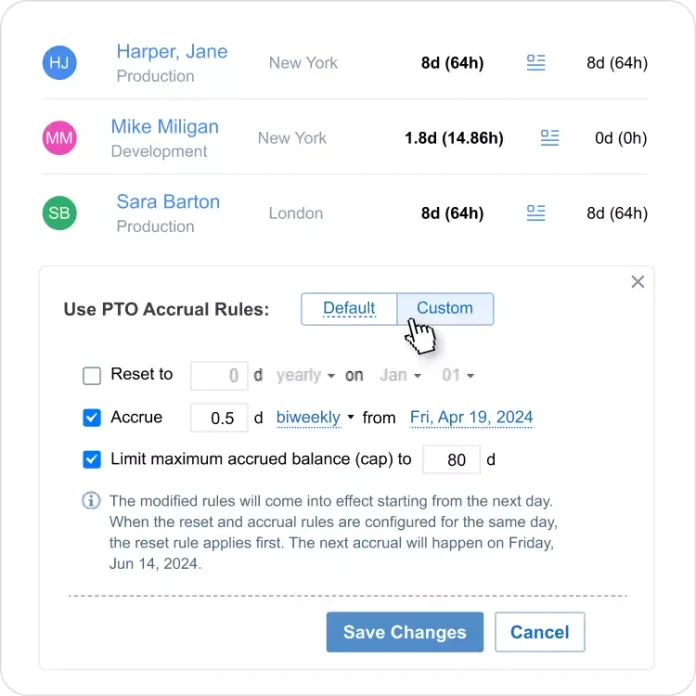
To make utilization planning accurate, absence data needs to be factored in. actiPLANS handles leave management and availability tracking alongside time data so utilization calculations reflect actual available hours, not theoretical ones based on a 40-hour week assumption.
Getting Staff to Actually Use It
The best time tracking system is the one people use consistently. For architecture staff, that means: mobile access for site visits, a daily reminder that takes less than two minutes to respond to, and a project structure that matches how work is actually organized — not how accounting wants to categorize it. Get the workflow right and the data takes care of itself.